
WordPress Dark Mode: How to Enable It (Frontend and Backend)
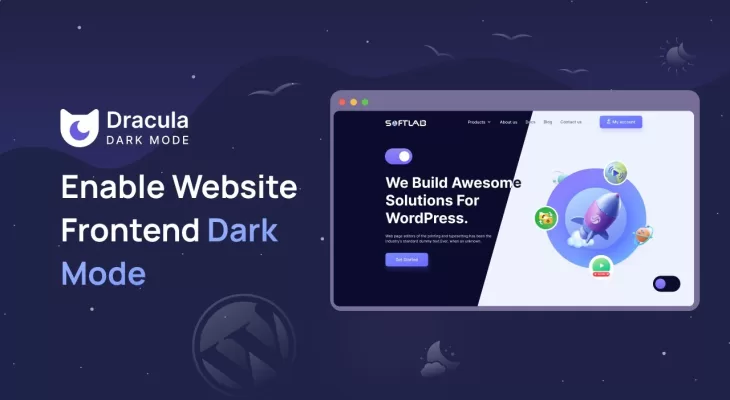
Unfortunately, however, dark mode is not a default WordPress feature. You can only enable it by tinkering with the platform’s visual configurations, a procedure that might seem intimidating to non-developers.
This guide simplifies everything, though. We’ll tell you how you can easily enable WordPress dark mode toggle on both the front end and the backend of your site, without ever touching a line of code.
How to enable WordPress dark mode toggle on your site’s frontend
A website’s visual appeal is largely dependent on its CSS (Cascading Style Sheets). And while WordPress themes come with their default styles, plugins are capable of supplementing or overriding them without altering the core code.
To enable WordPress dark mode, for instance, they dynamically adjust properties like background and text color to toggle between light and dark themes based on user preference or system settings.
Among the plugins available, WP Dark Mode especially stands out for its user-friendliness, versatility, and unique features.
The plugin stretches beyond basic WordPress dark mode toggling to provide supplementary enhancements for optimizing user experience and site aesthetics.
With
[…]
WordPress Dark Mode: How to Enable It (Frontend and Backend) Keep Reading »
#Blogging #WordPress #BloggingTips #BlogChat